
Download our app
Connect with Thrive Church in Pelican Rapids through the Church Center app on your phone.
How to find Thrive Church in the app:
1. Open Church Center • 2. Tap “Get Started” • 3. Search for Thrive Church or enter zip code 56572 • 4. Select Thrive Church in Pelican Rapids!
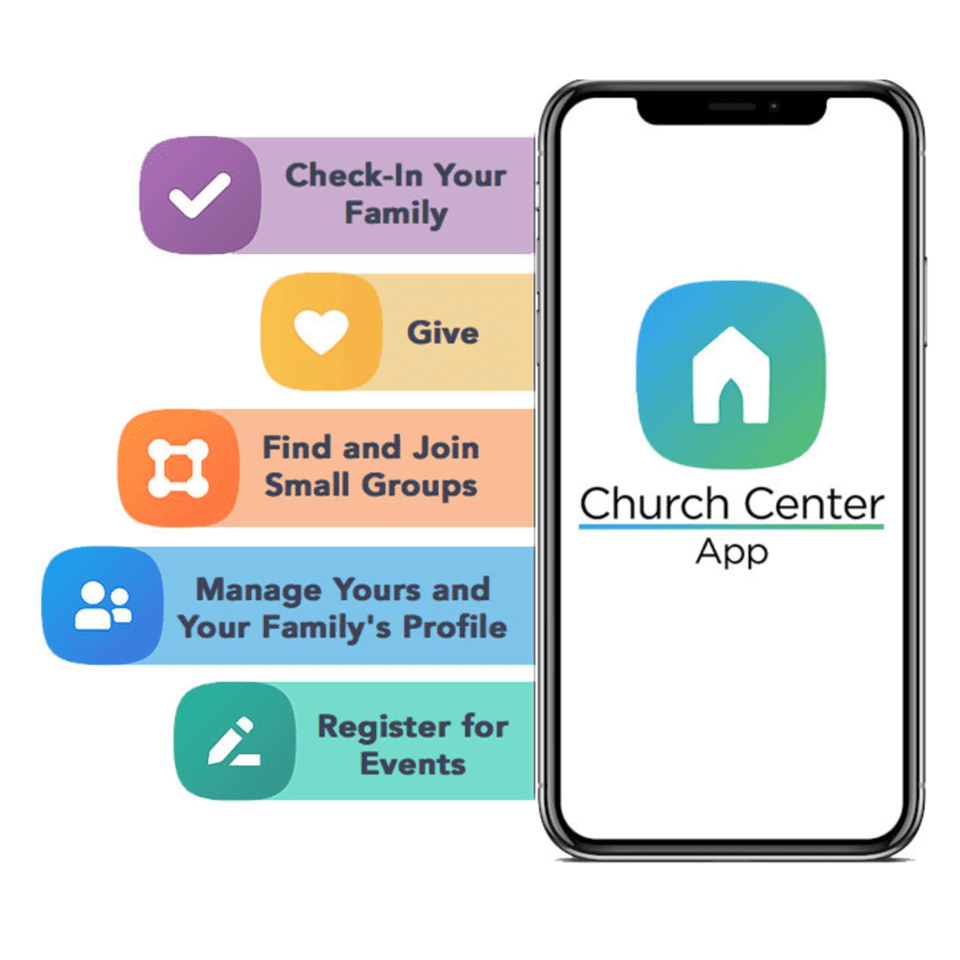
What You Can Do On Church Center
Whether you’re checking upcoming events, giving online, checking in your family, or managing your profile, the Church Center app makes it simple.
Check In Your Family
Fast, secure Sunday check-in
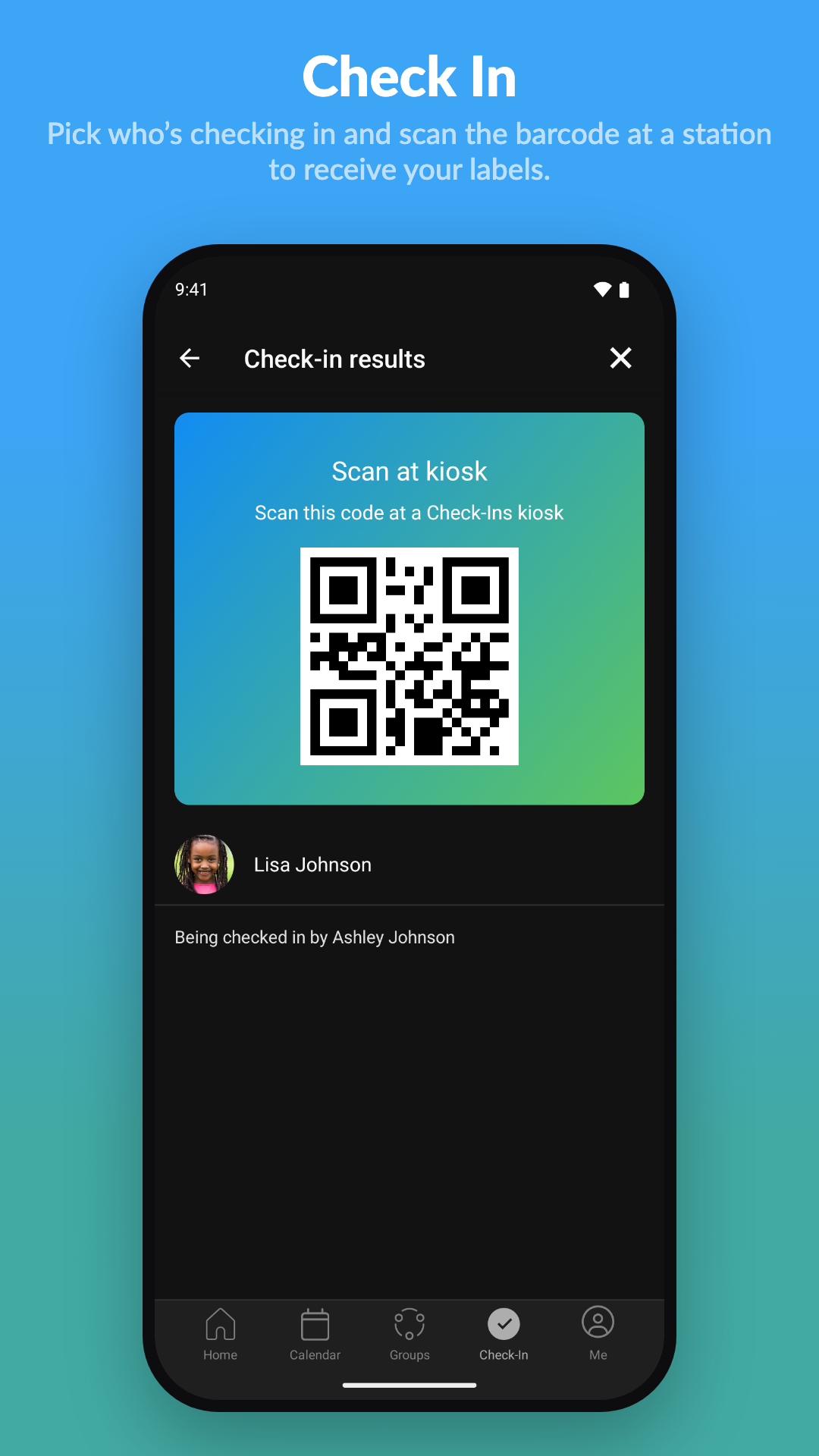
Pick who is checking in from your phone and scan the code at the station for quick, safe label printing on Sunday mornings.
Events & Calendar
All church dates in one spot
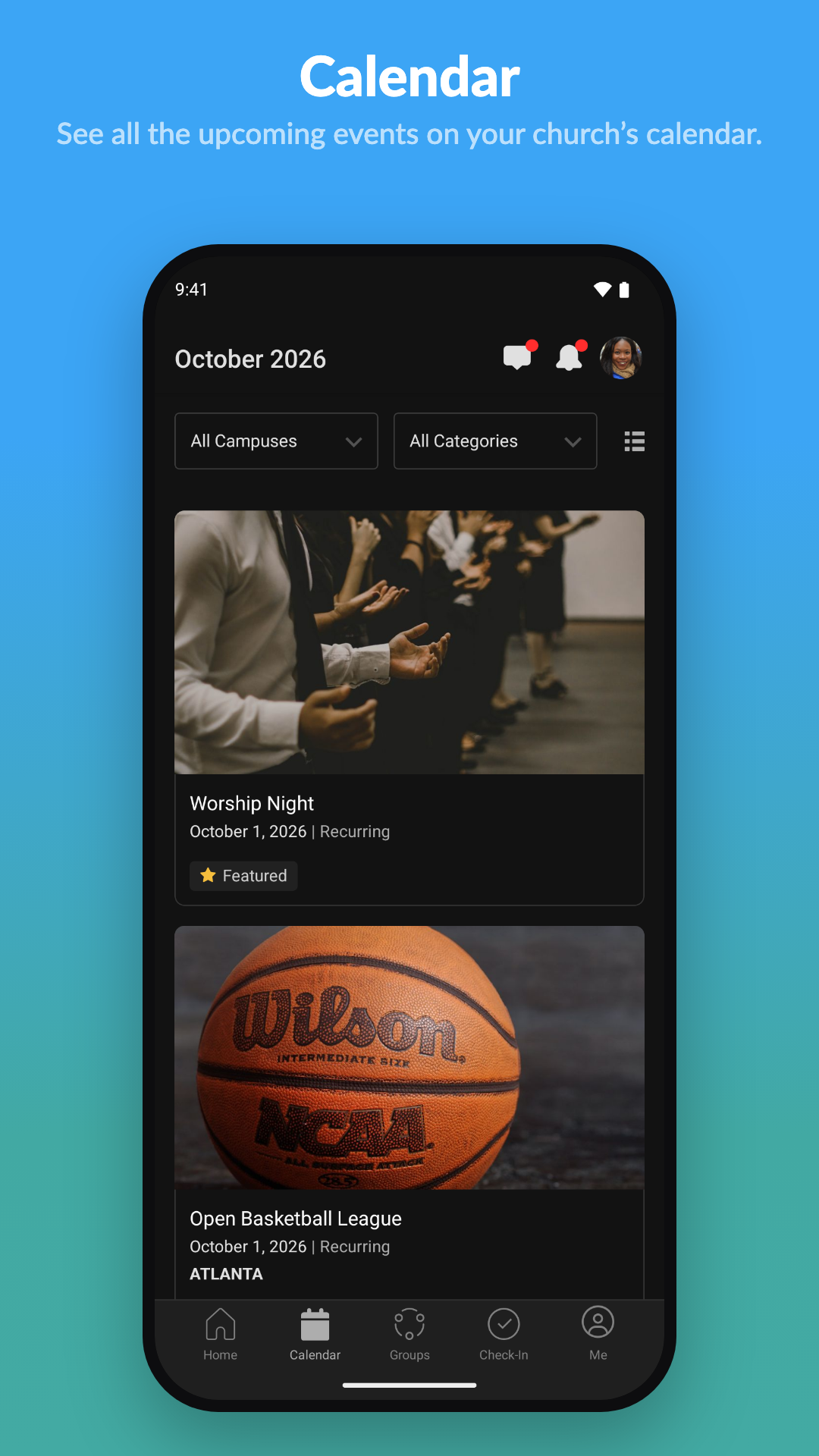
Browse upcoming gatherings, register for camps and conferences, and keep up with what is happening all year long.
Simple Giving
Give once or recurring gifts
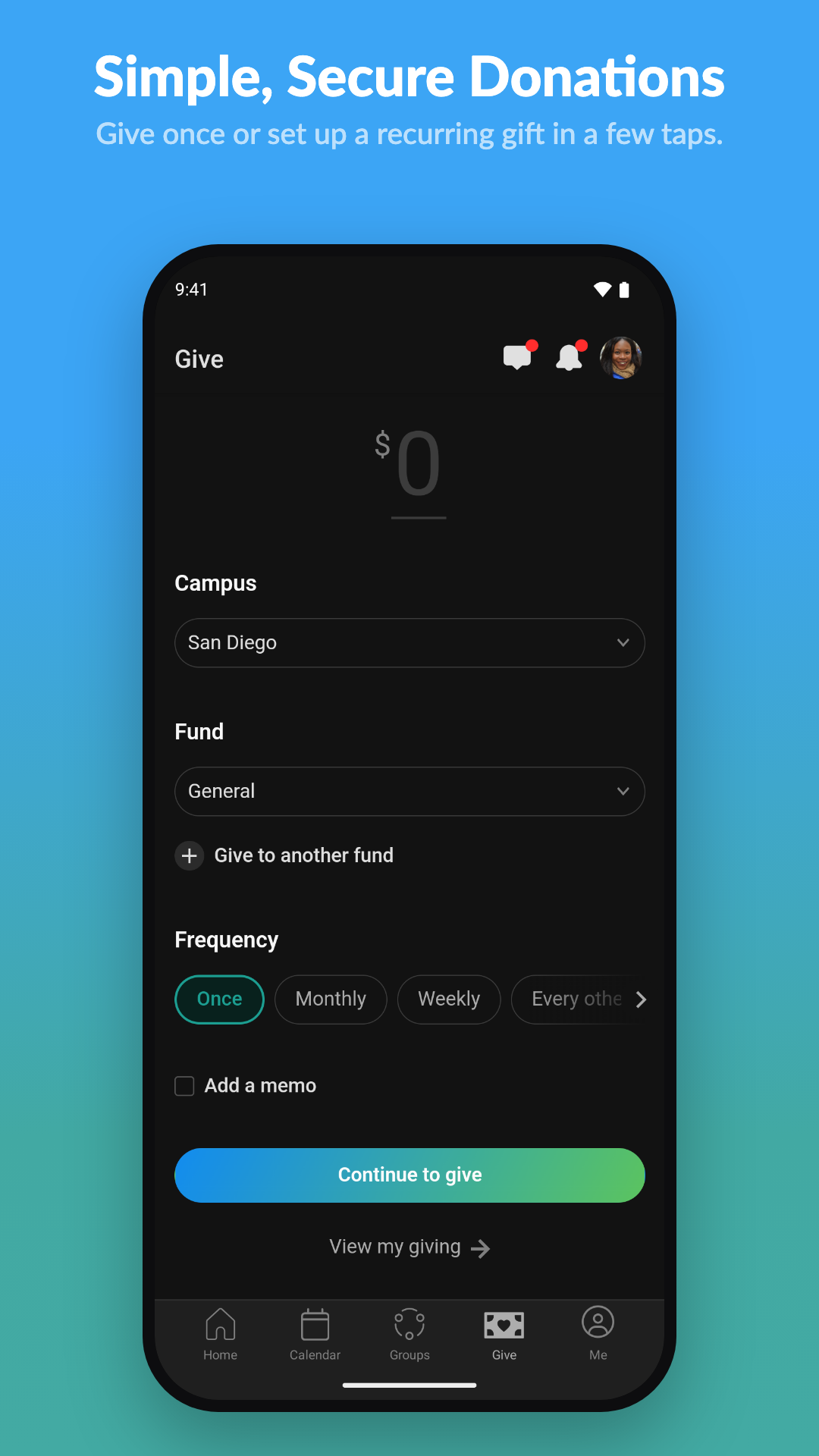
Set up recurring tithes or give a one-time offering in seconds with complete security and easy access to giving statements.
And much more!
Stay connected everywhere
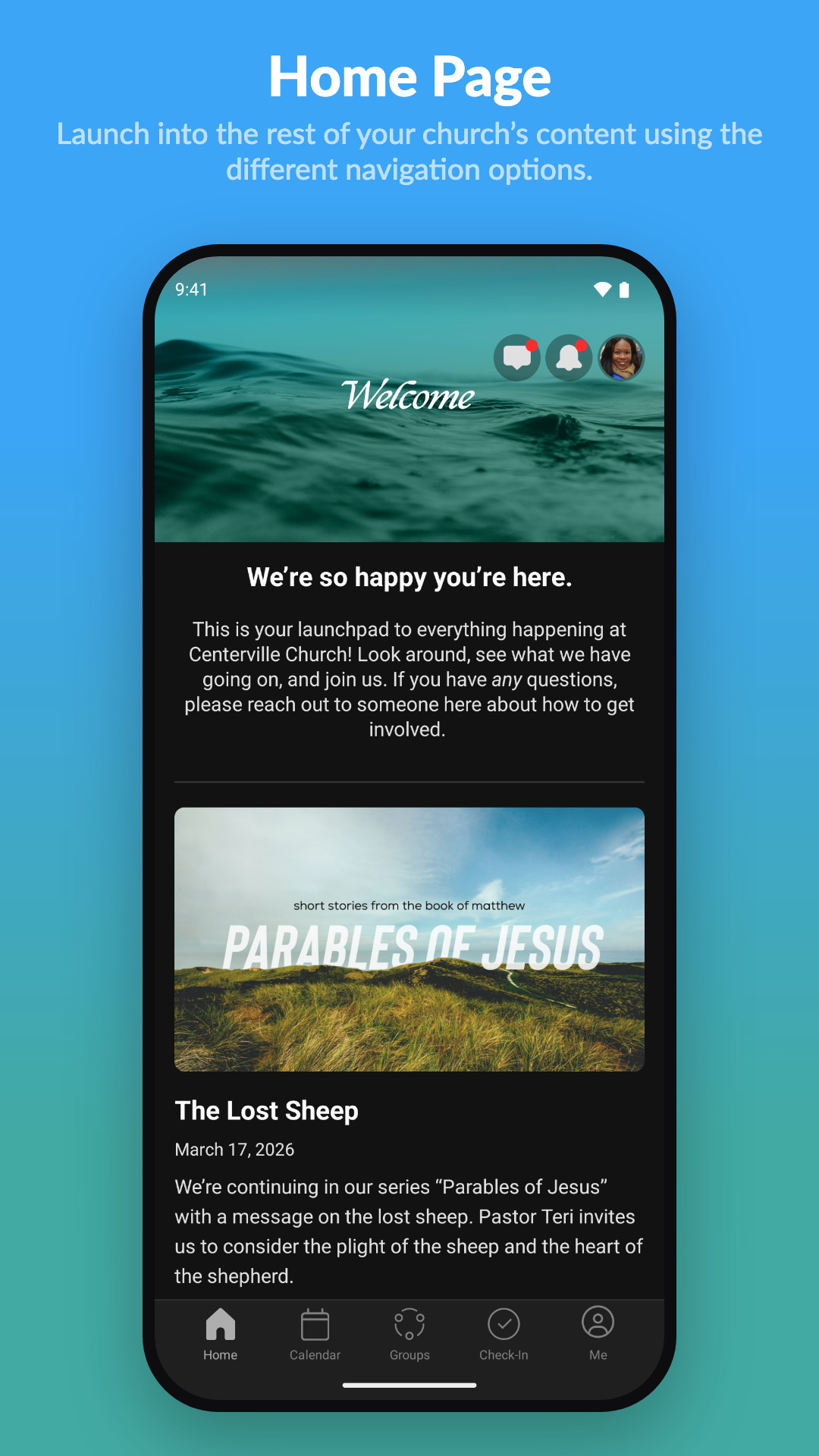
Manage your profile, view announcements, stay connected with Thrive Church, and access church resources anytime.
Ready to Download?
The Church Center app is 100% free and available on both iOS and Android. Follow these three steps to connect with Thrive Church!
- 1
Download the app
Install Church Center from the Apple App Store or Google Play Store.
- 2
Enter your zip code
Use zip code 56572 to find churches near Pelican Rapids.
- 3
Select Thrive Church
Follow the steps to confirm you’re a real person by verifying your phone number, then click “Create new profile” if it’s your first time.